
Approve, edit or skip posts and replies
OuttaSite drafts fresh posts and review replies each week based on your business facts. You can approve, edit or skip them easily.
By email (one tap)
- Every Monday, OuttaSite sends you a summary email with your drafted weekly post and any drafted review replies.
- Review the text directly inside your email inbox on your phone or computer.
- Click Approve to publish the update immediately to your Google Business Profile.
- If you want to make changes, click Edit to modify the wording before publishing.
- If you do not want to publish that update, click Skip.
By dashboard
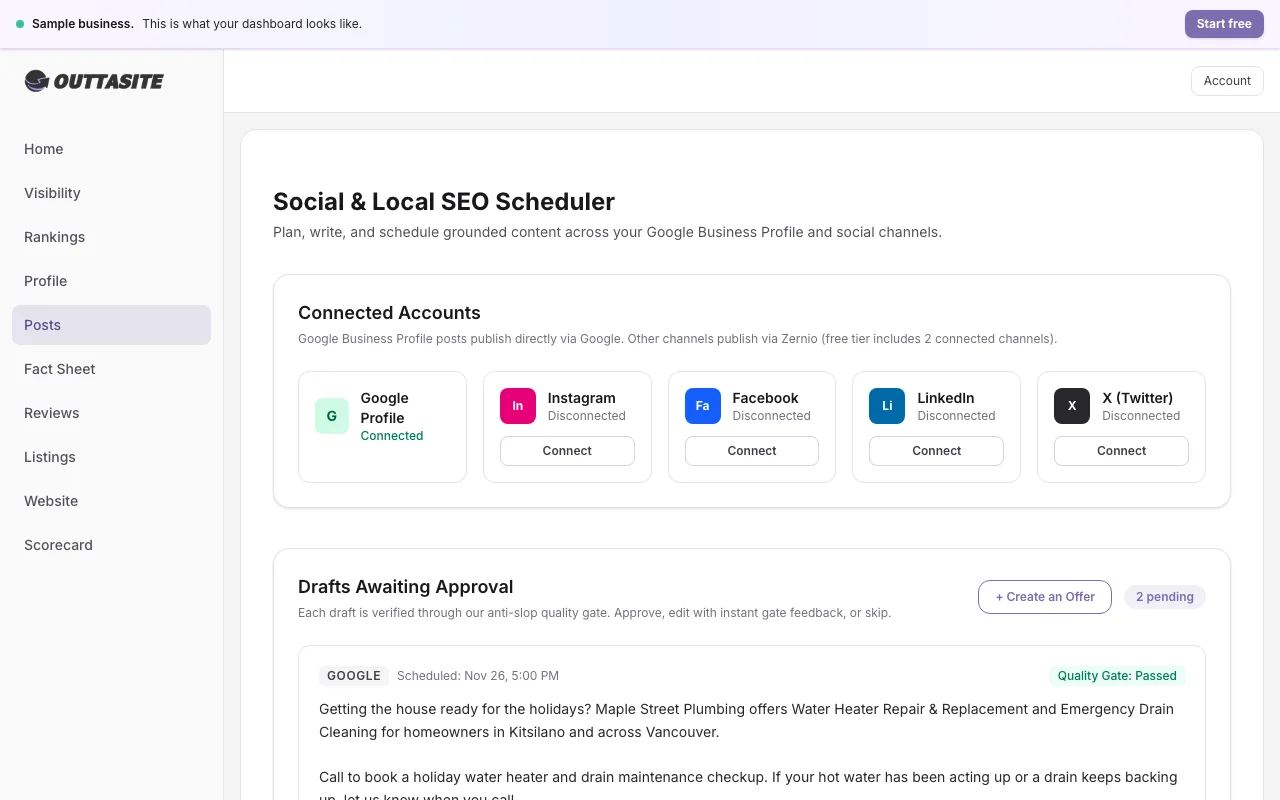
- Go to Posts or Reviews in your dashboard.
- Under the Needs your review section, click on any drafted item.
- Review the text, change any words you wish, and click Approve & Publish.
Posts pass through a quality gate to make sure they contain specific services, neighbourhoods, and zero marketing filler before they reach your approval inbox.
Still have questions?
Our Vancouver team is here to help with your profile or website anytime.