
Create an offer on Google
Offers are specialized Google Business Profile updates that showcase seasonal discounts, tune-ups, or package deals directly on Google Maps and Google Search.
Steps to create an offer
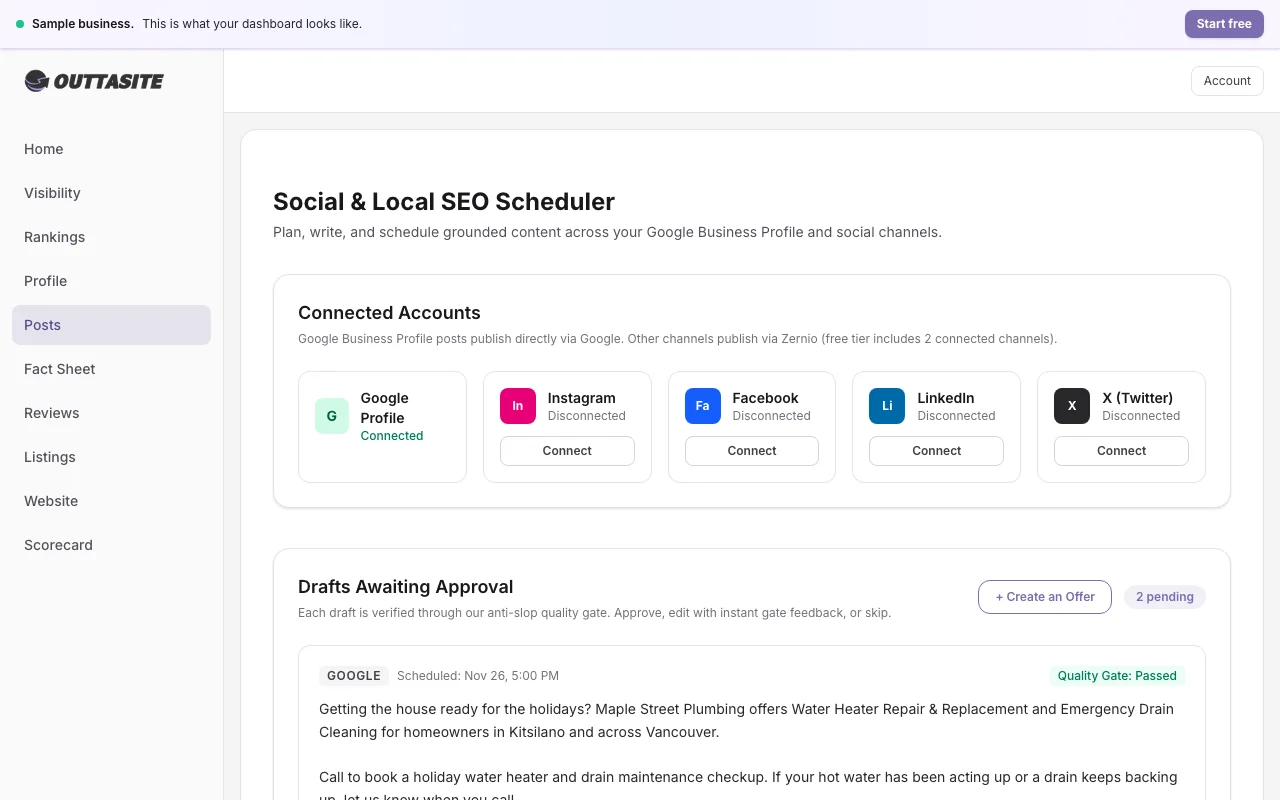
- Open your OuttaSite dashboard and navigate to Posts.
- Click Create Offer or choose one of the suggested seasonal offer drafts.
- Enter your offer title (for example, "Fall furnace tune up special").
- Specify the start date and the end date for the promotion.
- Add any coupon codes or terms of service (such as "Residential homeowners only").
- Provide a link to your booking page or phone number.
- Click Publish Offer to send the update to Google.
Google will display your offer badge on your Google Maps listing and in search results until the expiration date.
Still have questions?
Our Vancouver team is here to help with your profile or website anytime.