
Ask customers for reviews
Asking customers for honest reviews after you finish a job helps build trust with local homeowners and improves your presence on Google.
Compliance rule: no review gating
Google policy and Canadian anti-spam law strictly prohibit review gating. Every customer must receive the exact same review request and the exact same Google review link. You must never ask "how was your experience" first and route happy people to Google while directing unhappy people to a private form. OuttaSite enforces this rule automatically on all requests.
Steps to send review requests
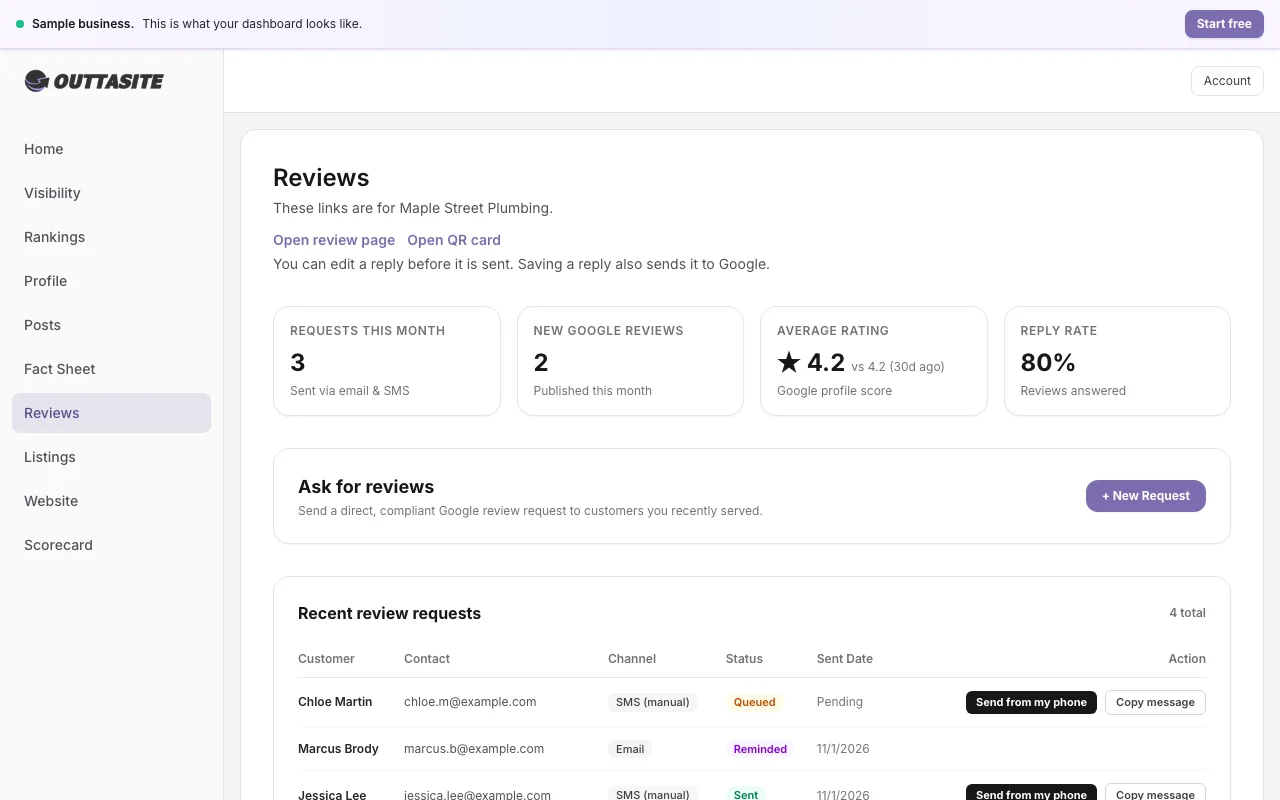
- Go to Reviews in your OuttaSite dashboard.
- Click Quick Send Request.
- Enter the customer's first name, email address or mobile phone number.
- Select whether to send via email or text message.
- Click Send Request.
Customers receive a short, polite note thanking them for their business with a direct button to your Google review box. Each message contains a secure signed opt-out link so customers can unsubscribe at any time.
Still have questions?
Our Vancouver team is here to help with your profile or website anytime.